
Reverse BMI Calculator: Work Out the Weight or Height Needed for a Target BMI
Reverse BMI Calculator
Find the exact weight for a target BMI at your height — or the height a given weight would need.
Table of Contents
Most BMI tools solve the problem in only one direction. Plug in your height and weight and you get a single figure back. That is fine for a quick snapshot, but it falls short the moment you are trying to plan ahead rather than just check where you currently stand. Suppose you want to know precisely how much you could weigh, at your current height, before crossing into a different BMI category. Or suppose you already have a weight in mind and want to know what height would be needed for that weight to land in a healthy range.
That is the gap the Reverse BMI Calculator on Amazing News USA fills. Rather than turning your height and weight into a BMI, it starts with the BMI you are aiming for and works out the weight or height that would get you there.
Picture two situations where this matters. A cyclist standing five foot nine might want a firm upper limit on their weight that still keeps them in the normal range, giving them a concrete number to train around rather than a loose guideline. Or a teacher preparing a lesson on body measurements might want to show students the exact figures that separate one BMI category from the next. Neither of these is something a forward only calculator can answer.
How the Tool Works
There are two modes built into the calculator, and switching between them takes a single tap.
- Target Weight mode, where you supply your height along with a target BMI, and the calculator returns the precise weight that would land you at that figure.
- Required Height mode, where you supply a weight along with a target BMI, and the calculator returns the height that weight would need to match.
Either mode can be run in metric, centimeters and kilograms, or imperial, feet, inches, and pounds, and the two unit systems are interchangeable at any moment without erasing whatever you have already typed in.
When it comes to the target BMI itself, five ready made presets cover the underweight, normal, overweight, and obese bands, but there is also a custom field for entering any figure between 10 and 60 if you need something more exact than a rounded preset.
Getting a result only takes a handful of steps.
- Type in your height if you want a target weight, or your weight if you want a required height.
- Pick one of the preset BMI values, or type your own into the custom field.
- Toggle between metric and imperial depending on what you prefer to work in.
- Hit Calculate for your result, or hit Try Sample first to watch the tool run through example figures.
What the Results Include
A single calculation returns more than just one number. The main figure, either the weight or height you were after, is displayed prominently, alongside a gauge graphic that places that BMI visually somewhere along the underweight to obese scale. Underneath that sits a full breakdown table showing the weight or height boundaries for every BMI category, built around the figures you entered. That table is what lets you see how much room you have before crossing into the next category, rather than just seeing your one target in isolation.
There is also a Reset option that wipes every field instantly if you want to run the numbers again from scratch.
BMI Category Reference
| Category | BMI Range | What It Means |
| Underweight | Below 18.5 | Falls below the typical healthy range |
| Normal | 18.5 to 24.9 | Sits within the typical healthy range |
| Overweight | 25.0 to 29.9 | Sits above the typical healthy range |
| Obese | 30.0 and above | Sits well above the typical healthy range |
These figures match the classifications used by health authorities around the world, and they are the same figures the calculator relies on to shade its gauge and populate the comparison table.
Who Should Use Reverse BMI Calculator
This Reverse BMI calculator suits anyone whose goal is a specific number rather than a loose target. That covers people such as:
- Someone working alongside a trainer or nutritionist toward a set weight goal
- Teachers and students who need real figures to illustrate a BMI lesson
- Fitness minded users planning a cut or a bulk toward a defined endpoint
- Content writers or researchers who need dependable reference numbers for health related material
- Anyone who is just curious how the underlying formula plays out
If you have ever wondered exactly what weight would sit a given height right at the edge of a BMI category, this tool answers that on the spot instead of leaving you to rearrange the formula yourself.
A Note on What BMI Actually Measures
BMI is a screening figure rather than a medical diagnosis. Because it comes from height and weight alone, it leaves out muscle mass, bone density, age, and sex, so two people sharing an identical BMI can look very different in terms of actual body composition. The Centers for Disease Control and Prevention points out that BMI works best when weighed alongside other health indicators rather than treated as a standalone answer, and the World Health Organization applies this same formula worldwide to track overweight and obesity trends across populations.
Treat this calculator as a planning and reference aid rather than medical guidance. Anyone working toward a genuine health or weight target should bring their numbers to a healthcare provider who can factor in the bigger picture. Even so, having exact figures for each category can make that conversation more concrete than working from a vague description alone.
More Free Calculators on Amazing News USA
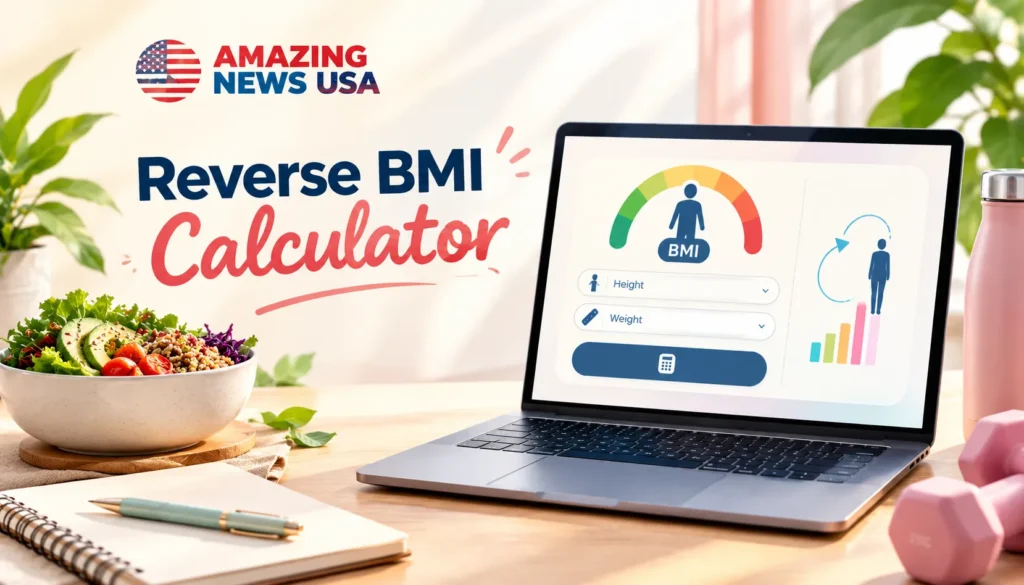
This calculator sits alongside a growing set of free tools on the site. Anyone who regularly works with datasets might find the 5 Number Summary Calculator handy for pulling out a minimum, quartiles, and maximum without manual number crunching. If your goal is financial rather than physical, the FIRE Milestone Calculator maps out a path toward financial independence in much the same spirit that this tool maps out a weight target. Every tool on the site, including these two, can be reached from the Amazing News USA.
Frequently Asked Questions
How accurate is the Reverse BMI Calculator?
It runs the standard BMI formula in reverse, so whatever weight or height it hands back will always produce the exact BMI figure you chose.
Is any of my information saved or sent elsewhere?
No. Every calculation happens directly in your browser, and nothing you type is stored or transmitted anywhere.
Can I switch partway through?
Yes. Metric and imperial can be swapped at any time, in either mode, without losing anything already entered.
Does BMI measure body fat directly?
No. BMI is derived purely from height and weight. It works well as a screening measure but is not a direct measurement of body fat.
Is signing up required to use the calculator?
No. It is free to use straight from the page, with no account or download needed.